You’d think in 2025 we’d all agree on what a photocopy is. But add USB drives, cloud storage, and digital scanning into the mix and suddenly the USB vs Paper waters get murky.
Here’s the straight answer: a photocopy is still, by definition, a paper copy. Something you can hold, staple, or file away. Scanning to USB or the cloud? That’s not a photocopy – it’s a digital file.
Let’s take a closer look.
What Actually Is a Photocopy?
A photocopy is the classic paper-for-paper job. You put the document on the glass, hit the button, and out comes a duplicate.
Think:
- Copies of contracts
- Handouts for a meeting
- Extra forms for someone who forgot theirs
If the end product is paper, it’s a photocopy.
What Happens When You Scan to USB (or the Cloud)?
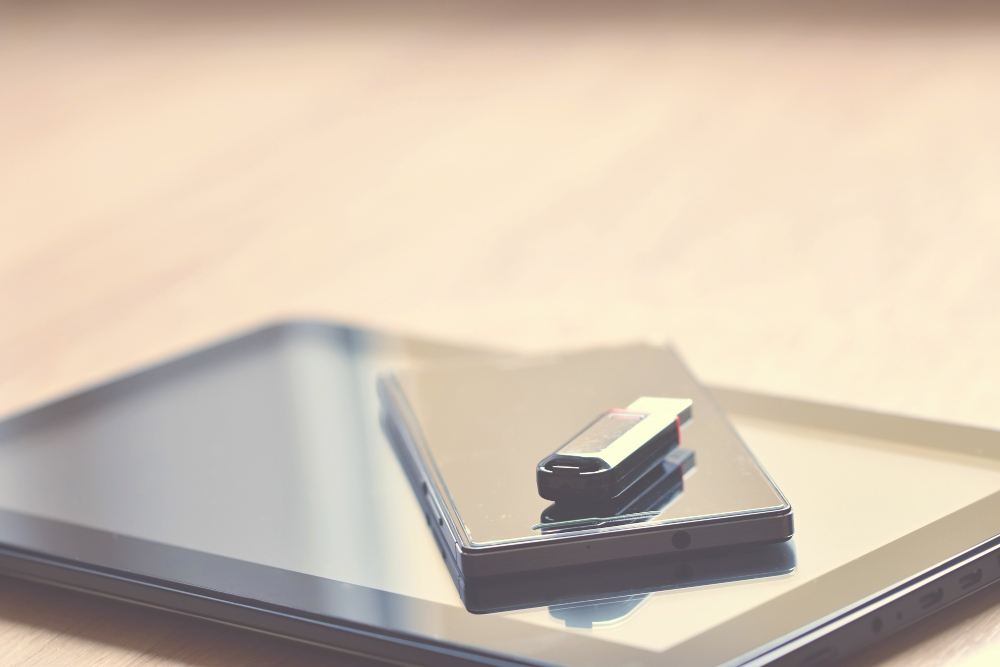
Scan to USB – or scan to cloud – is a different beast altogether. You’re not creating paper at all. You’re turning something physical into something digital.
The copier saves a file (usually PDF or JPEG) to your USB stick or straight into a cloud folder via software like Agility Document Management. That file can then be emailed, searched, or archived without taking up drawer space.
It’s what people call a “soft copy” – practical, searchable, eco-friendly. But still not a photocopy.
Spot the Difference
| Feature | Photocopy | Scan to USB / Cloud |
| Output | Paper copy | Digital file |
| Purpose | Physical duplication | Digital storage or sharing |
| Medium | Ink, paper | USB drive, computer, or cloud folder |
| Tracked as | Print/Copy job (counts as a “click”) | Scan job (usually no clicks) |
| Costs | Uses toner and paper | No consumables used |
| Legal status | Often accepted as an official copy | Increasingly valid if unaltered, but context-dependent |
Why the Difference Matters
In schools and offices, this isn’t just semantics. It’s about quotas and costs.
Photocopies use toner and paper – and they’re logged as “clicks” for billing. Scans don’t burn through consumables, though they may still be tracked for audit purposes.
So when someone says, “I only scanned it to my USB, I didn’t photocopy it”, they’re right. One hits your print budget. The other doesn’t.
Bottom Line
- A photocopy = paper copy.
- A scan to USB/cloud = digital file.
They both start with the same original, but end up in different places: one in a filing cabinet, the other on a flash drive or cloud folder.
If you want both? That’s where smart setups like Agility come in – giving you the choice to file digitally, print physically, or do both in one step.
📞 Want a copier setup that keeps costs in check and makes scanning effortless? Talk to Evolve about Konica Minolta leasing with Agility built in.