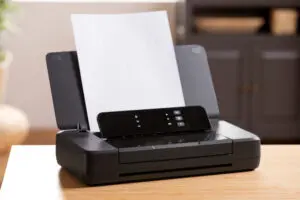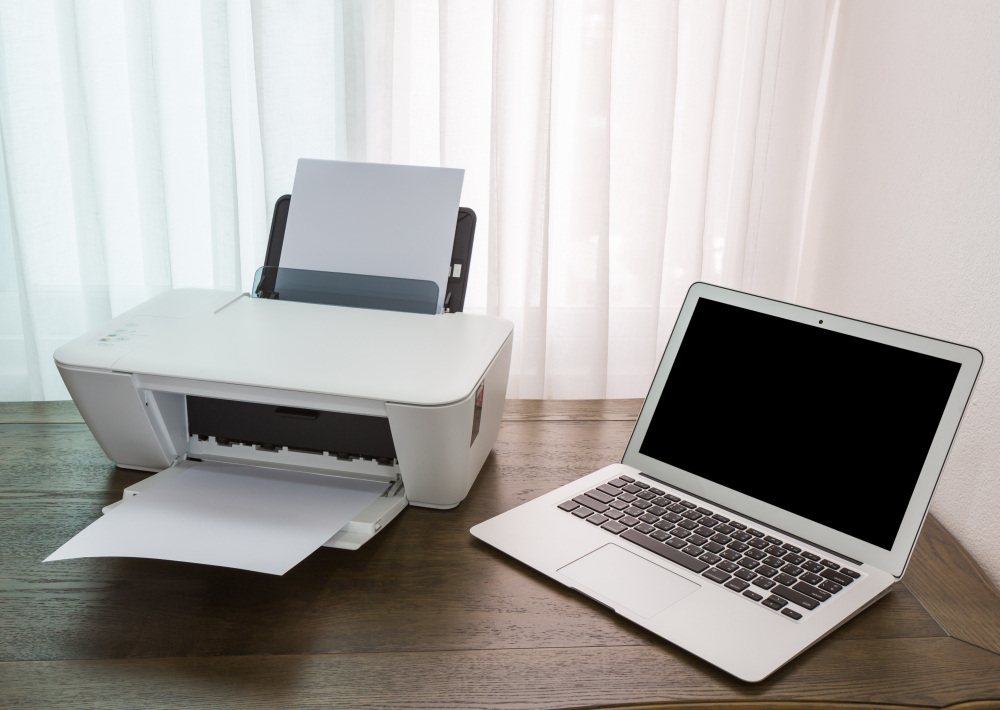
It starts with good intentions. Someone in HR wants a quick way to print contracts. A senior manager doesn’t want to walk across the floor for a report. Before you know it, you’ve got a desk full of personal printers humming away quietly – each one burning through expensive ink, IT’s time, and your budget.
Let’s call them what they are: Desk Demons. And the truth is, they’re not just a mild inconvenience. They’re an operational money pit.
The “cheap” £100 printer might seem like a no-brainer. But in practice, it’s a classic case of short-term convenience costing you big over time. Here’s the maths – and the pushback answers you’ll need to finally clear them out.
The Cost Comparison: 10 Desk Demons vs. 1 Workhorse
Let’s say you’ve got a department of 10 people, each with their own desktop printer, doing around 200 prints per month. Over five years, here’s what it actually costs:
| Cost Category | Scenario A: 10 Personal Printers | Scenario B: 1 Central MFP | The Reality |
| Hardware Cost | £1,500 (10 x £150) | £4,000 | Personal printers look cheaper upfront. |
| Consumables | £14,400 (12p/page avg) | £1,200 (1p/page avg) | You pay ~1200% markup on ink. Yes, really. |
| Energy (5 years) | £1,500 (idle power draw x10) | £300 | “Vampire power” from idle printers adds up. |
| IT Support Time | ~50 hours/year | ~5 hours/year | 10x drivers. 10x problems. 10x hassle. |
| 5-Year TCO | £20,000+ | £6,000 | Scenario A costs 3x more. |
💥 Big Picture: You could buy a new, high-end MFP every year for the cost of feeding ink to those 10 desktop printers.
The Hidden Costs You Never Budget For
Beyond the obvious financials, personal printers bleed value in all sorts of quiet, irritating ways.
🧨 IT Time Sink
We’ve worked with organisations where 20% of helpdesk tickets are printer-related. With personal printers, that means:
- 10 different driver versions
- 10 different IP addresses
- 10 users asking, “Why isn’t it printing?”
Your IT team is constantly playing whack-a-mole – when they could be doing anything else remotely useful.
🧯 Supply Closet Chaos
You don’t just have one type of ink. You have ten. Half are out of stock. Two are discontinued. Three expired last quarter. The result? A cupboard full of cash, tied up in boxes of ink nobody can use.
🕵️ Security Gaps
Personal printers rarely have firmware updates, hard drive encryption, or any real audit trail. They’re also easy to forget – which means sensitive docs sitting face-up in trays, waiting for someone to grab them. Not ideal for HR, Legal, or Finance.
How to Kill the Desk Demons (Without Starting a Uprising)
We get it – staff get attached to their printers. So when you try to take them away, expect some pushback. Here’s how to handle the usual objections.
Objection 1: “But it’s more convenient!”
The truth: It’s convenient for them, but slow and expensive for everyone else.
- Personal printers are slower (15ppm vs. 50+ on an MFP).
- They jam more. They can’t staple. They can’t scan.
- One goes down? IT’s fixing it just for one person.
What to say:
“The new MFP will be within a 20-second walk. You’ll get faster printing, finishing tools, and no ink drama. Plus, a quick walk is good for your back – and your step count.”
Objection 2: “I need it for confidential printing.”
The truth: A personal printer is less secure.
- Anyone walking past your desk can see what you just printed.
- There’s no release control or audit trail.
- Sensitive jobs sit exposed until picked up (or forgotten).
What to say:
“The new system uses Pull Printing – nothing prints until you tap your badge at the machine. No one else sees it, and nothing is left behind. This is the gold standard for confidential documents.”
Objection 3: “I need to print things quickly.”
The truth: Most quick prints are temporary reference materials. They should be on a second screen – not a sheet of A4.
What to say:
“We’re moving to a digital-first workflow. And if speed’s the issue, we’ll give you a second monitor instead. It’ll actually improve your workflow and cut down on paper at the same time.”
Summary: Centralise, Standardise, and Save
Removing personal printers isn’t just about cutting costs. It’s about improving:
- 📉 Efficiency – fewer breakdowns, less helpdesk time
- 🔒 Security – no loose documents, full audit trails
- 🌍 Sustainability – lower energy draw, less ink waste
- 💰 Budget – dramatic drop in long-term costs
And best of all – it’s easier to manage, easier to support, and easier to secure.
If your office still has a “printer per person” model, it’s time for an upgrade. MFPs aren’t just smarter – they’re a complete system built for how modern offices actually work.Need help making the switch without the usual chaos? We’ve helped countless teams phase out personal printers without bloodshed. Happy to share what’s worked.