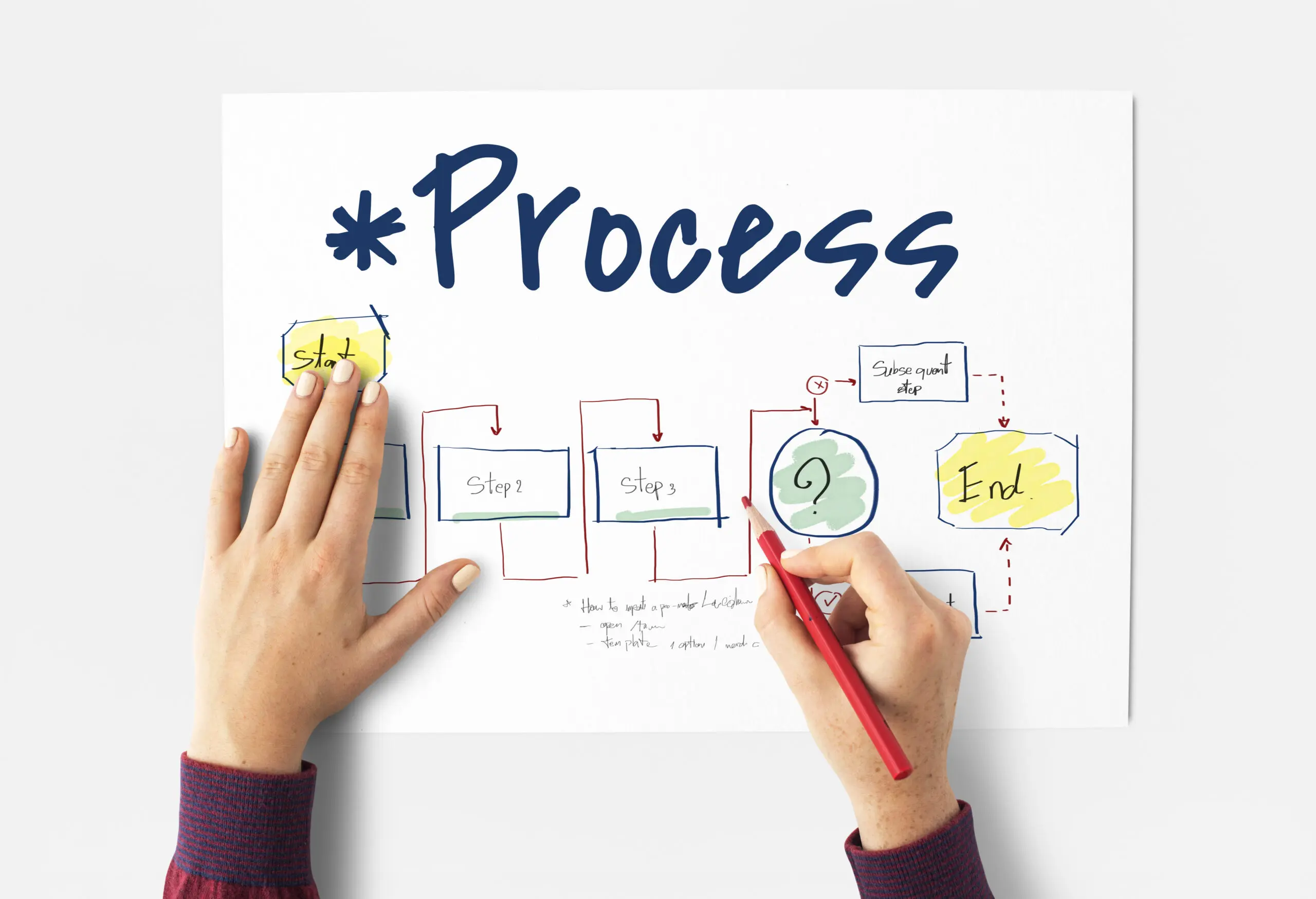
Document workflow optimisation is the structured redesign of how documents move through your organisation, from capture to archive, with the aim of reducing delay, duplication and compliance exposure. In commercial terms, it is about turning an informal chain of emails, printouts and desk drops into a mapped, measurable process.
This is for operations leads, finance directors and SME owners who are deciding whether to formalise and digitise their document handling. The decision in front of you is whether your current workflow is good enough, or whether hidden friction is costing time, control and audit confidence.
Why is Document Workflow Optimisation important?
Document Workflow Optimisation refers specifically to the mapping and redesign of document movement across its lifecycle. So, that includes:
- Creation or receipt
- Capture via scan or digital upload
- Indexing and metadata assignment
- Routing for review or approval
- Storage, retention and destruction
It is not:
- General process improvement across all business functions
- A full ERP (Enterprise Resource Planning) transformation
- A rebranding of simple “scan to email” setups
- A pure IT infrastructure upgrade
Workflow mapping is about visualising how documents actually move, identifying manual touchpoints and removing unnecessary handling.
So, it won’t solve:
- Poor upstream data quality
- Weak decision-making processes
- Cultural resistance to standardisation
- Integration limits of legacy ERP or CRM systems
In managed print services, Document Workflow Optimisation typically sits at the intersection of multifunction devices, intelligent data capture software and backend systems. The photocopier becomes a digital on-ramp, not just a printer.
How speed is created in real workflows
Speed in document handling does not come from scanning faster. It comes from reducing decisions and handoffs.
Automated indexing
Zone OCR reads defined areas of a document such as invoice number, supplier name or date.
Mechanism:
- Data is extracted at the point of capture.
- Metadata is automatically applied.
- The document lands in the correct indexed repository.
Causal impact:
- Filing errors drop.
- Search time reduces.
- Duplicate data entry into finance systems is minimised.
The result is not just quicker filing. It is reduced downstream correction work.
Rule-based routing
“If supplier equals X, route to cost centre Y.”
“If invoice value exceeds threshold, add secondary approval.”
By embedding logic into the workflow:
- Documents bypass central admin inboxes.
- Bottlenecks are prevented.
- Responsibility is transparent.
Without rule-based routing, we often see invoice stagnation on desks because the “map” lives in someone’s head.
Centralised management
When every department uses a different scan method, the mental load increases.
Centralising capture via mapped workflows:
- Standardises document quality.
- Reduces naming inconsistencies.
- Removes the need for staff to remember multiple filing rules.
In practice, this often cuts training time for new joiners.
Parallel processing
Physical documents move linearly.
Digital documents, once captured and indexed, can be viewed by multiple stakeholders simultaneously.
That shift from linear to parallel processing is where real speed gains sit, especially in procurement and HR approvals.
Audit trail automation
Mapped workflows automatically log:
- Who accessed a document
- Who approved it
- When it was modified
This removes manual compliance tracking and provides defensible evidence during GDPR or ISO audits.
What we typically see in practice
The “email-to-self” loop
An employee scans to their own email, downloads to desktop, then uploads to CRM.
That is triple handling.
It signals the absence of integrated workflow mapping. Once a digital on-ramp is configured properly, the document routes directly to its destination with correct metadata, removing two manual steps.
Invoice stagnation
Accounts payable documents sit on desks for days because approval sequences are verbal.
After mapping:
- Invoices are scanned at receipt.
- OCR extracts data.
- Rules route to approvers instantly.
The difference is not minutes. It is days of cash flow improvement.
The search vacuum
When capture lacks standard naming conventions, retrieval degrades over time.
Mapping enforces consistent metadata at source. Search becomes predictable rather than dependent on guesswork.
Departmental silos
HR stores documents in one structure, Finance in another.
Cross-department queries become slow and political.
A unified workflow model, even if repositories remain logically separate, standardises capture and indexing logic across departments.
The myth of “more automation equals more speed”
There is a tendency to over-engineer.
Complex decision trees for simple tasks create digital bureaucracy. Users click through multiple fields. Exceptions multiply.
In my time reviewing these setups, the fastest workflows are often the simplest ones that reflect real operational patterns.
Over-automation increases:
- Configuration cost
- User confusion
- Maintenance overhead
Document Workflow Optimisation is about proportionate design, not maximal automation.
How this compares with the closest alternatives
| Approach | When it works well | Where it struggles | Trade-offs often underestimated |
| Basic scan-to-email | Very low document volume | Multi-department approvals | No indexing control, no audit trail |
| Standalone document management system | Structured, compliance-heavy environments | Poor integration with capture devices | High setup cost and training demand |
| Managed print with intelligent data capture | Paper-heavy SMEs transitioning to structured workflows | Fully digital-native firms | Requires disciplined use of digital on-ramps |
For SMEs, integrating photocopier leasing with workflow software often provides the most balanced route. The device interface becomes a guided entry point, reducing reliance on individual judgement at the moment of scanning.
How long does a workflow mapping exercise typically take?
For a single high-volume process such as accounts payable, mapping can take a few weeks from analysis to live deployment. Multi-department rollouts take longer due to integration and stakeholder alignment. The critical path is often agreement on rules, not technical setup.
Will Document Workflow Optimisation reduce headcount?
It rarely results in immediate headcount reduction.
What it typically does is reallocate administrative time toward higher-value tasks. Cost-per-invoice or cost-per-document metrics from industry reports show reductions post-digitisation, but the benefit is often productivity uplift rather than redundancy.
What happens if automated routing sends a document to the wrong place?
This is where human-in-the-loop controls matter.
Well-designed systems include exception queues and override options. Occasional routing errors do not negate overall speed gains, provided monitoring is active and rule logic is periodically reviewed.
Can legacy ERP systems block workflow improvements?
Yes.
Integration constraints often limit how far optimisation can go. In such cases, workflow tools operate alongside ERP systems, exporting validated data rather than embedding directly. That introduces additional steps but still reduces manual re-keying.
Is it worth investing in paper-based workflow mapping if we are moving toward fully digital documents?
If your inbound volume remains paper-heavy, there is still value.
However, as more documents become born-digital, investment shifts toward API integrations and digital approval layers rather than scanning hardware. The balance depends on your document mix over the next three to five years.
Risks, limitations and operational boundaries
Garbage in, garbage out applies directly.
Illegible scans undermine intelligent data capture. Poorly defined naming conventions undermine search.
Over-engineering creates friction.
User adoption is decisive. If the copier touchscreen is counter-intuitive, staff revert to email shortcuts and shadow processes.
Legacy software limits integration depth. Not every ERP supports seamless bidirectional workflow.
In practice, governance drift is a common issue. Without periodic review, mapped workflows gradually diverge from actual behaviour.
Evidence signals that support workflow mapping
Time-motion studies consistently show measurable differences between manual filing and automated capture processes.
Industry reports document reductions in cost-per-invoice after digitisation.
Compliance guidance correlates structured digital workflows with stronger audit outcomes and fewer non-conformities under GDPR and ISO frameworks.
Case studies often show administrative time shifting toward value-add tasks once workflows are formalised.
The pattern is consistent even if exact savings vary.
What the evidence still doesn’t clearly tell us
The optimal balance between automation and human oversight remains debated.
Unstructured data such as handwritten notes and variable receipt formats still challenge intelligent capture tools.
There is also a strategic question around future-proofing. As businesses become increasingly digital-first, the return on heavy paper-to-digital optimisation may reduce. The timing of investment matters.
Frequently asked practical questions
When is the right time to start mapping document workflows?
Usually when document volume increases or approval delays become visible in cash flow or compliance metrics. Early intervention is simpler. Retrofitting control after growth often requires more restructuring.
What are the main cost drivers in workflow optimisation projects?
Software licensing, device capability, integration development and internal project time are primary drivers. The hidden cost is stakeholder time spent agreeing rules and approval logic.
How disruptive is implementation for staff?
Short-term disruption is common during training and rule refinement. Well-designed digital on-ramps reduce long-term friction, but initial behaviour change requires reinforcement.
Does workflow mapping increase compliance exposure if configured incorrectly?
Misconfigured routing or retention rules can create risk. However, documented workflows with audit trails generally strengthen compliance posture compared to informal, undocumented processes.
Map first, automate second
Document Workflow Optimisation works best when you understand your real-world document movement before introducing technology. The photocopier, the scan interface and the software layer all play roles, but clarity on process comes first.
We have covered a lot of operational ground. If you want to examine how your current capture-to-archive process performs under scrutiny, we are happy to review it with you and explore practical options.